안드로이드 시스템의 차별화와 선택
안드로이드 시스템의 차별화와 선택
Android is currently the most widely used smart operating system, 스마트폰, 태블릿뿐만 아니라 널리 사용되는, TV 박스에도 있지만, TV 스틱, 프로젝터, 디지털 간판 플레이어, 광고 기계, 차량 내 장치, 스마트 홈 기기, 및 산업 제어 장비.
Different types of Android systems differ in functionality, 인증, usage scenarios, and customization capabilities. Choosing the right system is crucial for product experience and project implementation.
Common Android systems can be mainly divided into the following categories: AOSP Android, 안드로이드 TV, 구글 TV, and customized Android systems.
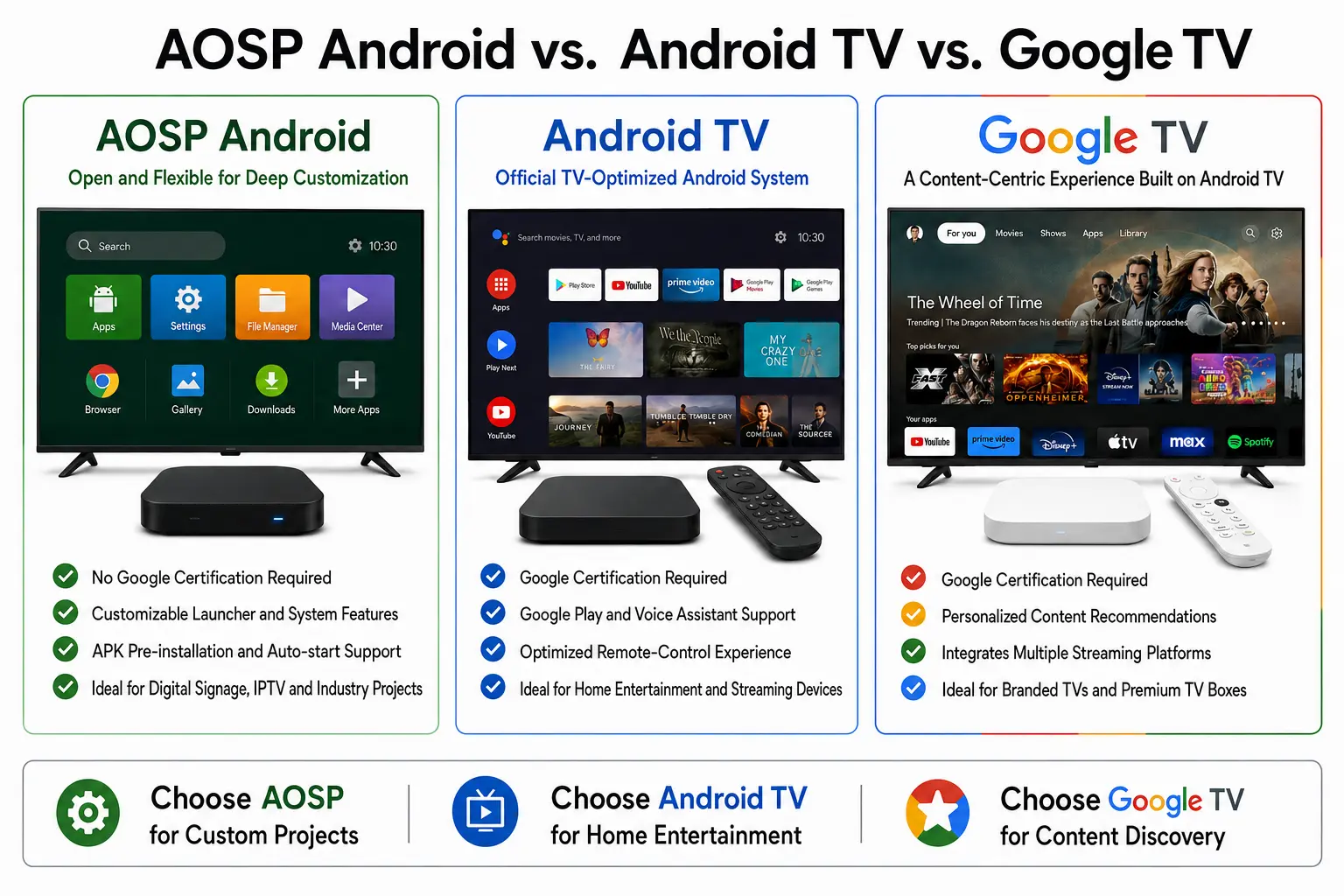
AOSP Android system
AOSP stands for the Android Open Source Project. Many standard Android set-top boxes, commercial display players, advertising players, and industry-specific customized devices utilize the AOSP system.
The key advantages of AOSP are its openness and extensive customization capabilities. Manufacturers can tailor features to meet specific client requirements—such as boot logos, launcher interfaces, pre-installed apps, auto-start on boot, permission restrictions, hidden system settings, Kiosk mode, root access toggles, 예약 된 전원 켜기/끄기, and screen rotation.
따라서, AOSP Android is particularly well-suited for B2B applications, 포함 디지털 간판 플레이어, 호텔 TV 시스템, educational displays, mall advertising players, restaurant menu boards, corporate information displays, and exhibition hall display screens.
Android TV system
Android TV is an operating system developed by Google for large-screen television devices, primarily designed for home entertainment and streaming media playback. Its user interface is optimized for remote control navigation and typically supports TV-oriented applications such as the Google Play Store, 유튜브, and Netflix.
The system offers a standardized user experience well-suited for household consumers. 하지만, obtaining Google certification, Netflix certification, or DRM support entails higher costs and stricter requirements.
따라서, Android TV is particularly suitable for applications such as operator-provided IPTV services, OTT TV boxes, home entertainment boxes, and subscription-based streaming platforms.
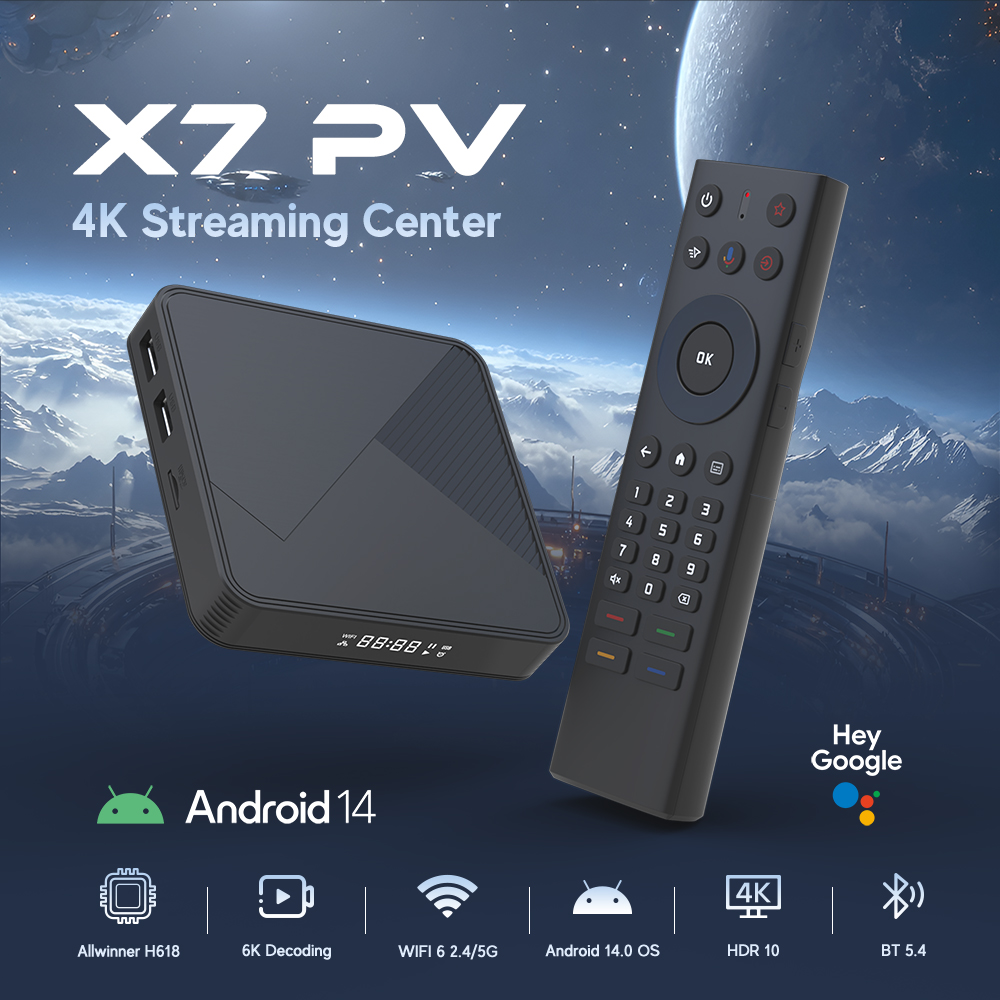
Google TV system
Google TV can be viewed as an enhanced version of Android TV, placing greater emphasis on content recommendations and the integration of streaming services. Its interface aggregates content from various platforms for the user, making it well-suited for high-end TV boxes, televisions, 그리고 streaming devices aimed at the consumer market.
하지만, Google TV entails stricter certification and licensing requirements, making it generally unsuitable for small-batch projects requiring rapid customization. Clients focusing on branded home entertainment products with significant order volumes may wish to consider the Google TV solution.
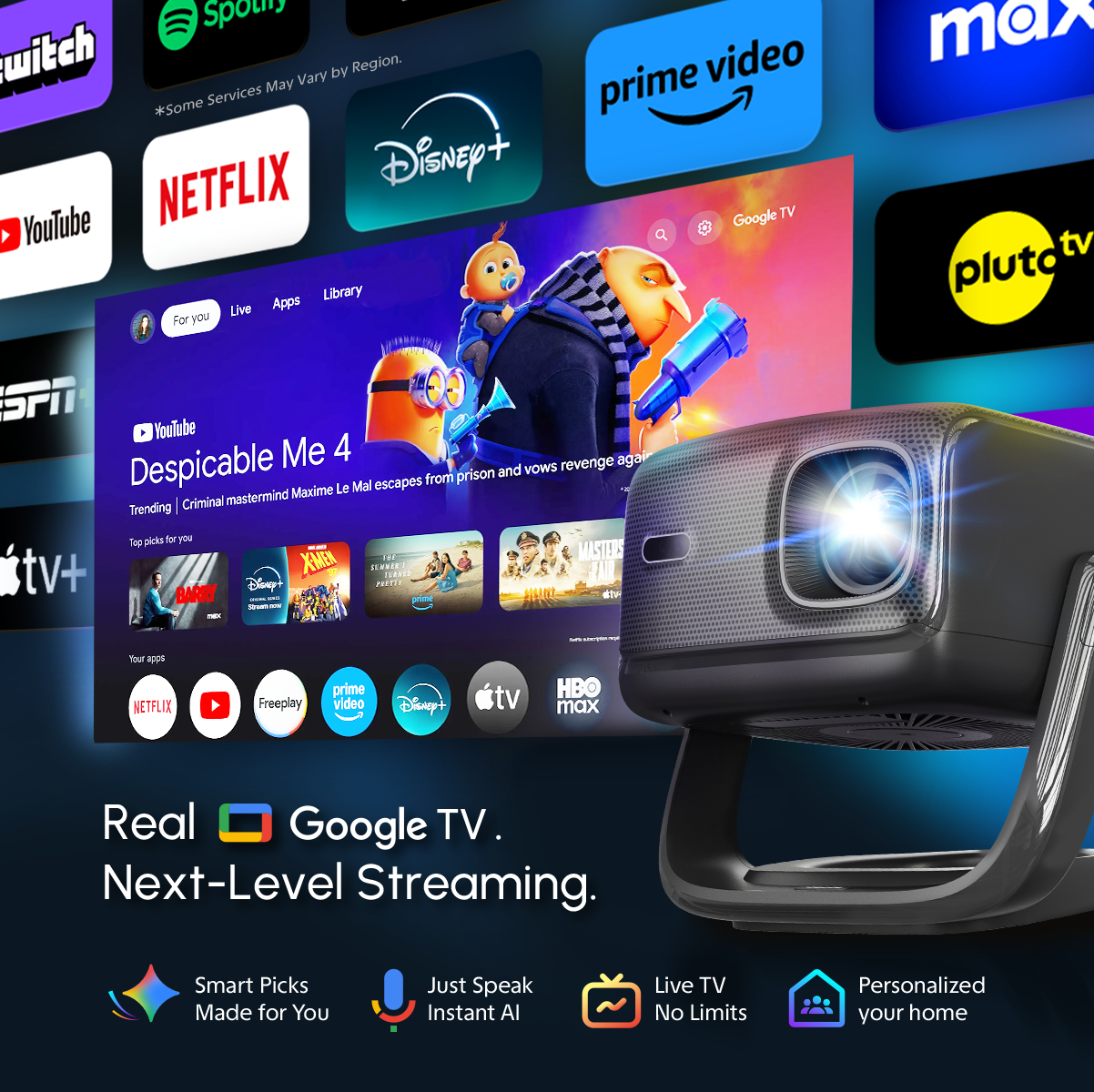
Distinctions Between AOSP Android Versions
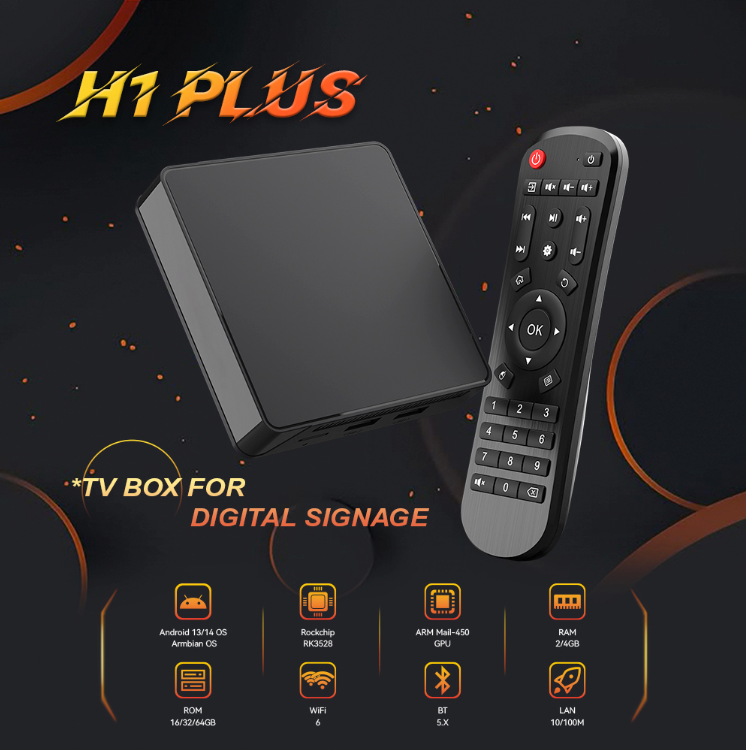
AOSP Android is an open-source Android system that does not include official Google certified services. Because it can be customized to suit specific hardware platforms and project requirements, it is widely used in devices such as Android set-top boxes, 디지털 간판 플레이어, advertising displays, 프로젝터, and commercial display equipment.
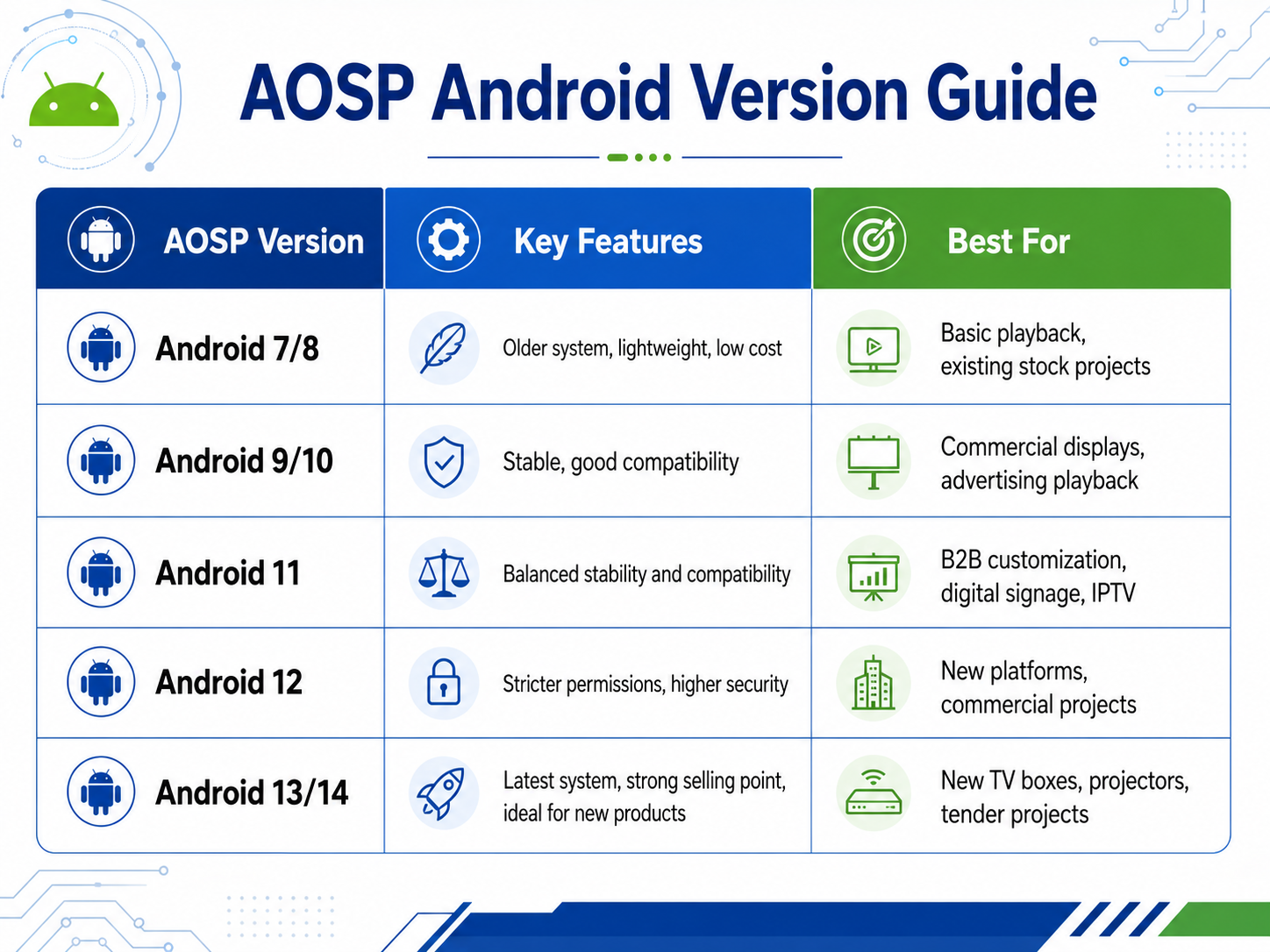
Common AOSP Android versions include Android 7, 9, 10, 11, 12, 13, 그리고 14. These versions differ in terms of system stability, app compatibility, security, permission management, and hardware support.
1. 로봇 7 / 로봇 8
These versions belong to earlier iterations of the Android operating system and are currently used primarily for older device models or low-cost projects. Their advantages include a lightweight system footprint and low operational overhead, making them well-suited for hardware with modest specifications.
하지만, the drawbacks are also significant: the system is outdated—meaning some newer app versions may no longer be supported—and security updates are infrequent, making it unsuitable for long-term use in new projects.
Ideal use cases include: existing inventory/older stock models, low-cost playback devices, simple digital signage/advertising displays, and projects with minimal requirements regarding app version compatibility.
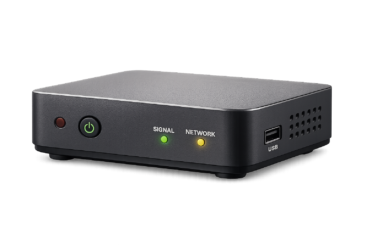
2. 로봇 9 / 로봇 10
로봇 9 and Android 10 were once widely used versions for commercial Android devices; they offer good stability and superior app compatibility compared to Android 7 또는 8.
Many digital signage players, 안드로이드 TV 박스, and commercial display players have utilized these versions. For projects that do not require the latest operating system but prioritize stable performance, 로봇 9 그리고 10 remain viable options.
Suitable use cases: 디지털 사이니지, hotel TVs, educational displays, advertising players, and general commercial display projects.
3. 로봇 11
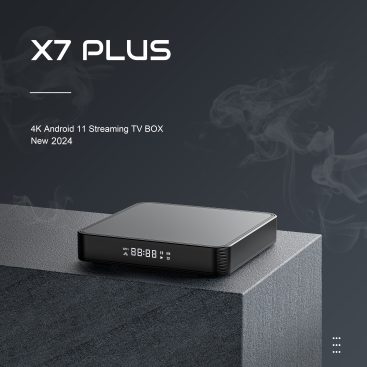
로봇 11 is currently the version used by many commercial Android boxes and media players. It strikes a good balance between permission management, security, system stability, and app compatibility.
If a client’s application does not have stringent system version requirements, 로봇 11 is generally a reliable choice. It supports features such as APK pre-installation, auto-start on boot, custom launchers, Kiosk mode, and restrictions on system settings.
Suitable use cases: B2B projects, 디지털 사이니지, IPTV, in-store displays, corporate information broadcasting, and OEM/ODM customization projects.
4. 로봇 12
로봇 12 imposes stricter requirements regarding system permissions, security mechanisms, and background process management. While it offers an updated system experience, some legacy apps or features relying on special permissions may require adaptation.
Functions such as device administration, background auto-start, silent installation, and access to system directories may face increased restrictions on Android 12. 그러므로, if a client requires deep device management capabilities, it is essential to verify beforehand whether the firmware solution supports these features.
Suitable use cases: new platform projects, commercial devices with high security requirements, and client projects requiring a recent system version.
5. 로봇 13 / 로봇 14
로봇 13 and Android 14 are relatively recent AOSP system versions. They offer advantages in terms of security, permission management, app compatibility standards, system performance, and long-term usability.
하지만, newer systems impose stricter requirements on chip platforms, drivers, app adaptation, and custom development. Certain traditional customization features may offer less flexibility than in older versions, so feasibility must be verified based on specific chip and firmware capabilities.
If you would like to learn more about the Android system or Android system customization, 저희에게 연락주세요.